



Keeper Security, Inc.
keepersecurity.com
Aug 23, 2026

Protect Every Login
Keep your passwords secure and easy to access.
Explore cybersecurity ads running on ChatGPT. Discover companies promoting security tools, threat detection, and data protection.
Keep your passwords secure and easy to access.


Proven protection millions rely on
Keep passwords and sensitive information secure with Keeper.

Proven protection millions rely on


Guide to PlayStation 4 Consoles The PlayStation 4 (PS4) is a popular home video game console that has captured the hearts of gamers worldwide. Since its launch, it has stood out for its impressive hardware, extensive game library, and engaging online services. This guide will help you navigate the landscape of PS4 consoles, accessories, games, and online services. Types of Consoles The PS4 family consists of several variations, each catering to different gaming needs and preferences. Here’s a quick overview of the key types: - Standard Console : This is the original iteration of the PS4, featuring solid hardware and a vast selection of games. It is often favored for its affordability and compatibility with the extensive library of PS4 titles. - Enhanced Console : An upgraded version that boasts advanced hardware. This variant may provide enhanced graphics and performance, enabling smoother gameplay and support for higher resolutions. - Compact Console : Recognizable for its slimmer and lighter design, this version offers the same gaming experience as the standard model but is more space-efficient. It appeals to those with limited space or who prefer a more portable option. Key Features When considering a PS4 console, it's important to understand its notable features: 1. Graphics and Performance : The PS4 hardware delivers high-definition graphics and seamless performance. It supports 1080p resolution and can perform well in resource-intensive games. 2. User Interface : The console sports an intuitive user interface, making it easy for users to navigate through games, media, and settings. 3. Game Library : One of the most compelling aspects of the PS4 is its extensive game library, which includes exclusive titles as well as a broad range of third-party games across all genres. 4. Online Multiplayer : The system allows players to engage in online multiplayer games, providing a community aspect and enhanced competition. 5. Streaming Services : Integration with several streaming services allows gamers to watch movies, series, and live content directly on their console, merging gaming and entertainment. Accessories To enhance the gaming experience, consider investing in various accessories. Some valuable additions include: - Controllers : The standard gaming controller is a staple, but additional or specialized controllers can offer diverse gameplay experiences, including enhanced grip and responsiveness. - Virtual Reality Headset : Some models support a VR headset, enabling immersive gaming experiences that take advantage of virtual reality technology. - Charging Stations : Conveniently charge controllers while maintaining a tidy gaming setup. - Headsets : Good quality headsets improve communication in multiplayer games and enhance the overall experience with immersive sound. - External Storage : As game sizes increase, external hard drives may become necessary for additional space, allowing for more downloaded games and updates. Online Services To fully utilize your PS4, you should be aware of the available online services that enhance gaming capabilities: - Online Multiplayer Services : Subscriptions allow players to compete and collaborate with others globally. - Game Streaming and Downloading : Many platforms offer game rentals or purchasing services, allowing users to access and download games directly to the console. - Membership Programs : These programs can provide access to a library of games, discounts on titles, and exclusive content. Tips for Getting the Most Out of Your PS4 To elevate your gaming experience, consider the following tips: - Keep Software Updated : Ensure that your console software is updated regularly to benefit from new features, improvements, and security updates. - Explore Diverse Genres : Don’t limit yourself to a single genre; explore various types of games to discover new favorites and broaden your gaming skills. - Engage with the Community : Participate in online forums and communities to connect with other gamers, share tips, and discuss games. - Organize Your Library : Keep your game library organized by marking favorites and regularly decluttering titles that you no longer play. - Maximize Controller Battery Life : Enable features that conserve battery life on your controllers, such as turning off lights or reducing vibration during gameplay. Conclusion The PS4 consoles have significantly impacted the gaming landscape through their robust performance, extensive libraries, and engaging features. Whether you are a casual gamer or a hardcore enthusiast, understanding the options available within the PS4 family empowers you to make informed decisions. By choosing the right console, accessories, and services, you can create a gaming experience tailored to your preferences and continue to explore the ever-evolving world of interactive entertainment.
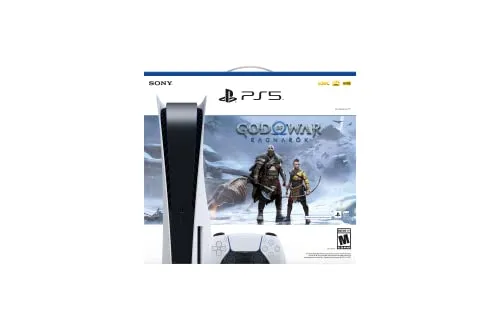
A Comprehensive Guide to Modern Gaming Consoles The world of gaming has undergone a significant evolution, with new technologies redefining player expectations and experiences. Modern gaming consoles have become more than just devices for playing games; they are multimedia entertainment hubs that offer a plethora of features. This guide explores the essential characteristics, benefits, and features of contemporary gaming consoles. Key Features of Modern Gaming Consoles 1. Powerful Hardware - Advanced processors and graphics units deliver stunning visuals and immersive gameplay. - High-speed storage options, such as SSDs, minimize loading times and enhance game performance. 2. Immersive Gaming Experience - Support for high-resolution graphics, up to 4K and beyond, for a more detailed image. - Capabilities for ray tracing enhance lighting and reflections in games for a more realistic visual experience. 3. Backward Compatibility - Many modern consoles allow players to play games from previous generations, providing a broader library and preserving game purchases over time. 4. Multimedia Capabilities - In addition to gaming, consoles can stream movies, music, and more through various applications directly. - Integration with subscription services allows users to access a wide range of content beyond gaming. 5. Social Features - Built-in features for sharing gameplay or screenshots with friends online. - Multiplayer gamers can connect seamlessly through online services, participate in various in-game events, and communicate during play. Choosing the Right Console When selecting a modern gaming console, consider the following factors: 1. Game Library - Research exclusive titles available on each platform. - Consider the variety of genres offered and whether they align with your gaming preferences. 2. Performance Requirements - Check the specifications to ensure the console meets your desired performance standards. - Look for models with faster processing times and high-quality graphics. 3. Online Services - Evaluate the online services offered by each console, such as subscription models, free monthly games, and cloud gaming capabilities. - Consider family options or parental controls if gaming will involve younger players. 4. Storage Capacity - Assess the internal storage options; some consoles offer expandable storage solutions. - Take note of any additional costs related to purchasing extra storage if needed. 5. Design and Usability - Review the console’s design and how it fits within your living space. - Consider user interface and navigational ease, especially for those new to gaming. Set Up and Connectivity Setting up a modern gaming console typically involves these steps: 1. Unboxing and Setup - Remove the console from its packaging and connect it to your TV using HDMI. - Ensure to plug in the power source and any additional devices (controllers, external storage). 2. Initial Configuration - Follow on-screen instructions for system setups, such as language selection and Wi-Fi connectivity. - Update the system software to the latest version to enjoy bug fixes and new features. 3. Account Creation - Create or link your gaming account to access online features, store purchases, and downloadable content. - Set up profiles, especially if multiple users will be sharing the console. 4. Controller Configuration - Sync your controllers and personalize settings, including sensitivity and button mappings, to fit your comfort. 5. Installation of Games - Use physical discs or download games from the online store. - Install updates prior to starting to ensure the best performance. Maintenance Tips To ensure your gaming console operates smoothly, follow these maintenance tips: - Keep it Cool : Ensure proper ventilation to avoid overheating, particularly during extended gaming sessions. - Regular Updates : Keep your console’s firmware and software updated to enjoy the latest features and security improvements. - Clean your Console : Periodically dust the console and peripherals to prevent buildup that may interfere with performance. - Manage Storage : Regularly delete unused games and apps or transfer them to external storage to optimize performance. Conclusion Modern gaming consoles are versatile devices offering much more than just gaming capabilities. With powerful hardware, extensive game libraries, and rich multimedia options, they cater to a wide array of entertainment needs. By understanding the key features, selecting the right console to meet personal preferences, and knowing how to set up and maintain it effectively, players can fully immerse themselves in the vibrant world of modern gaming.


Find out free. Clear written report you can act on.


Self-hosted for security and compliance


See where your data leaked and get easy steps to remove it.

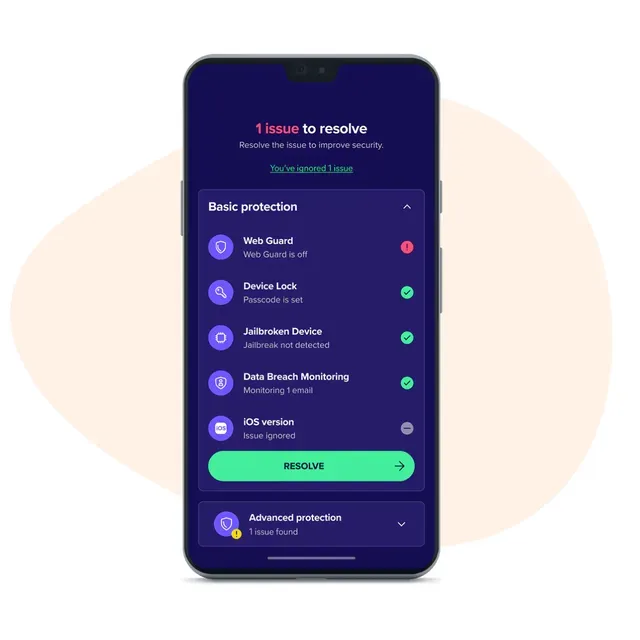
Stay safer from online scams and cyberthreats.


Proton & Cape: The ultimate privacy solution for email, VPN, and mobile security.
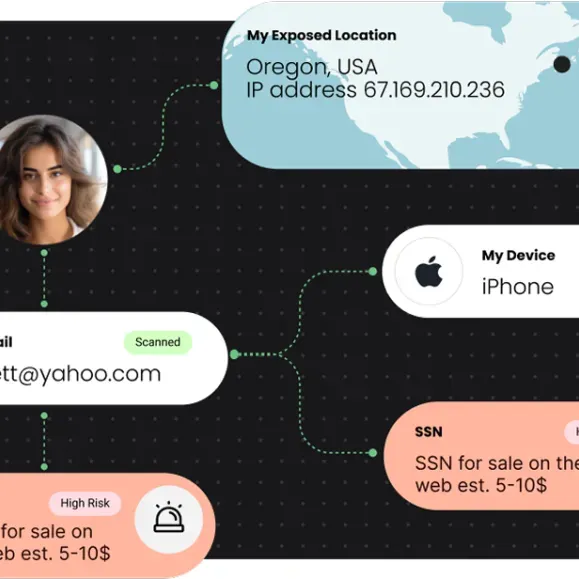
Run a free scan to see where your data leaked and easy steps to remove it.


If your security program is real, compliance is just documentation. We build the real thing.


Aura's browser extension flags known phishing and scam sites.


Unlike Gmail, Proton Mail protects your privacy by strong end-to-end encryption.


8M users' AI chats allegedly sold by Urban VPN. See if you qualify for compensation


Domains, Websites, Email, Hosting, Security & More. Everything You Need To Succeed Online.


Control, visibility, and security for critical finance systems.

IT support built around healthcare security and compliance needs.

See the 2026 Picks. Compare Features Side by Side.

Domains, Websites, Email, Hosting, Security & More. Everything You Need To Succeed Online.

Domains, Websites, Email, Hosting, Security & More. Everything You Need To Succeed Online.
Millions trust Keeper daily


AI agents can span identity layers. Zenity secures all of it, from buildtime to runtime. Learn more.